Adding Basic Sensors
Note: in order for these sensors to correctly working and display accurately, please make sure the device is installed to the minimum specifications listed in our install guides.
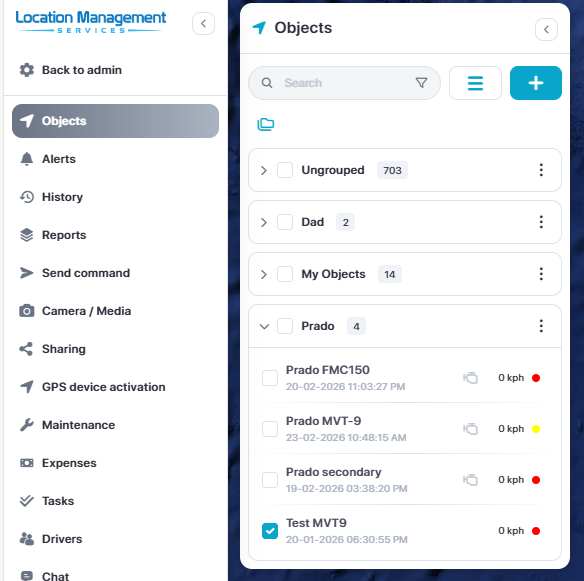
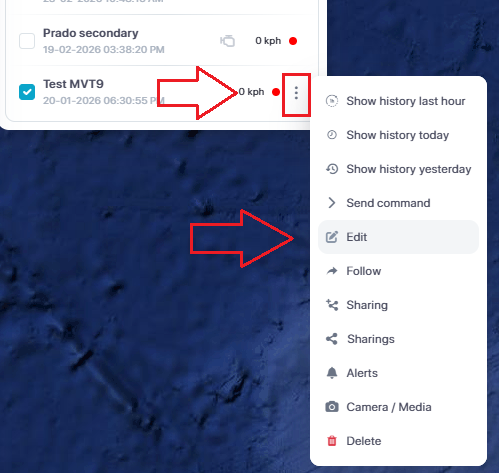
To add basic sensors and setup and ignition icon, select the Edit option for the device your with to update from the object list.
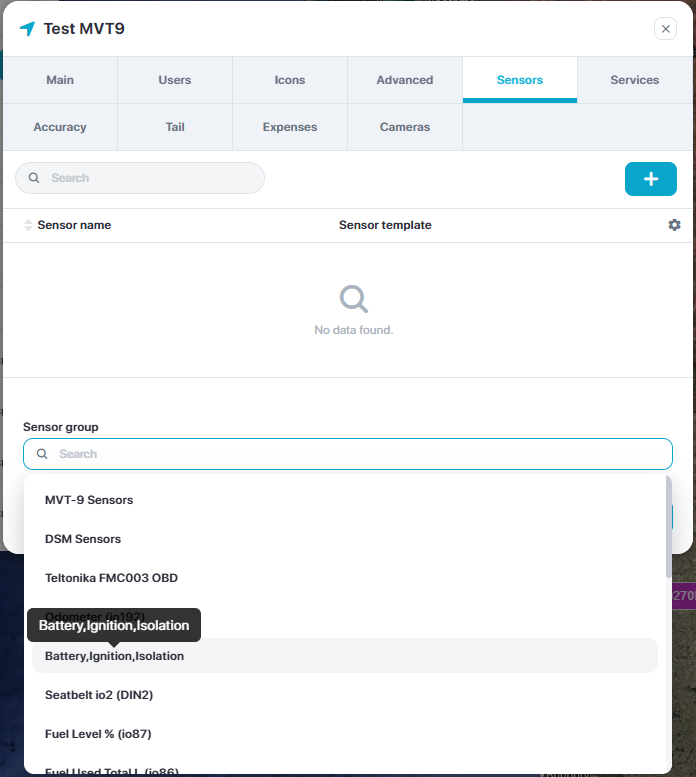
Select the Sensor tab and then from the bottom dropdown menu, select the basic sensor group Battery, Ignition, Isolation and then click Save
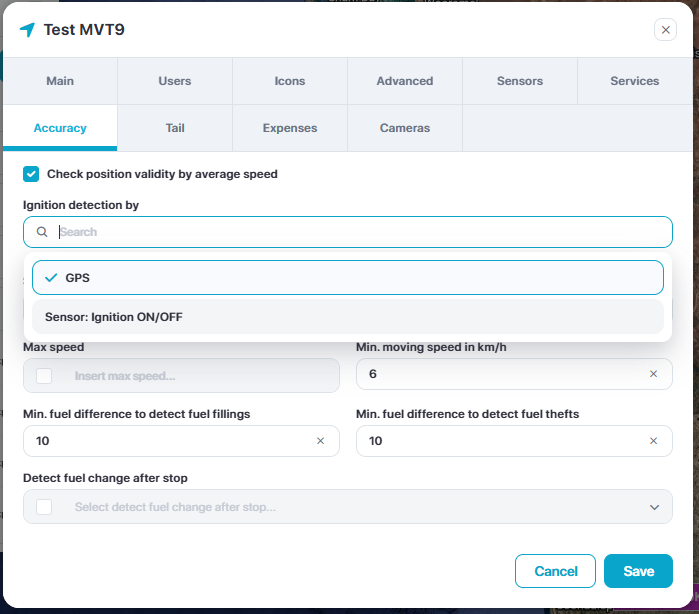
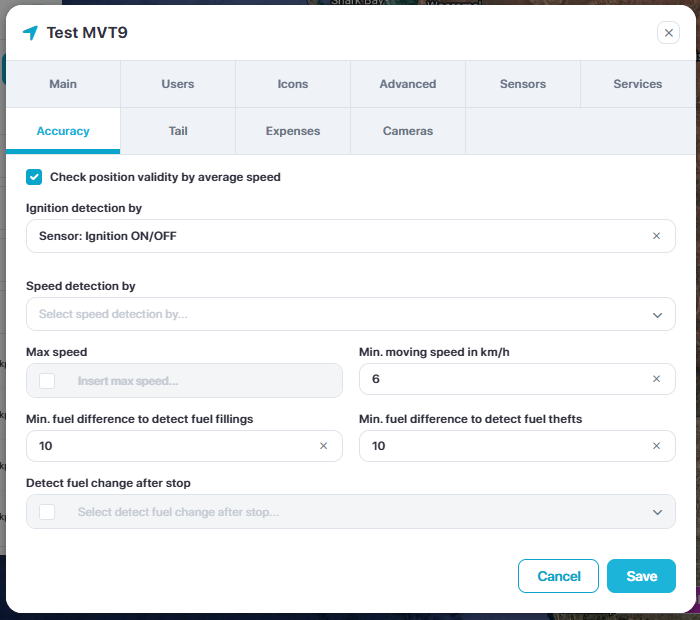
To add the ignition on icon in the device label, re-open the Edit menu, select the Accuracy tab and then from the first dropdown option, select the Sensor: Ignition ON/OFF.
Then click Save
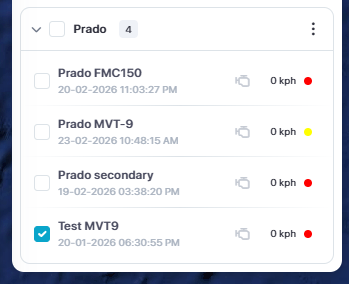
You will now notice the ignition engine symbol next to the device. This will switch from grey to green when the ignition is on.
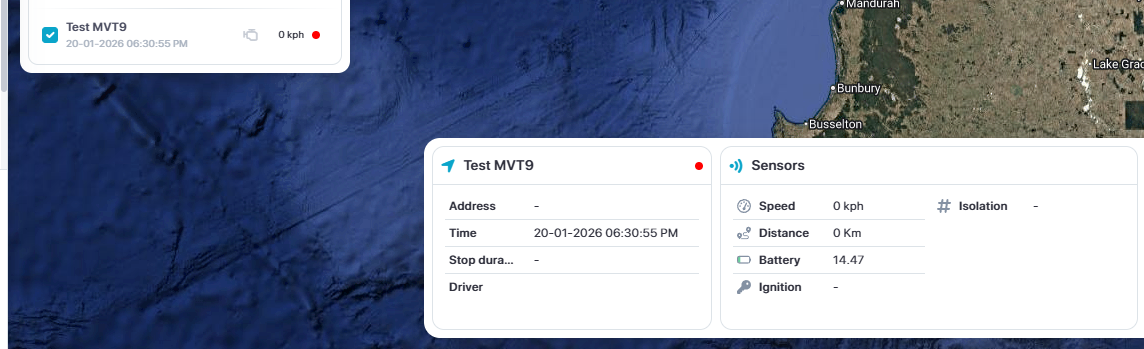
You will also notice the basic sensors listed in the lower information bar