Object Alerts
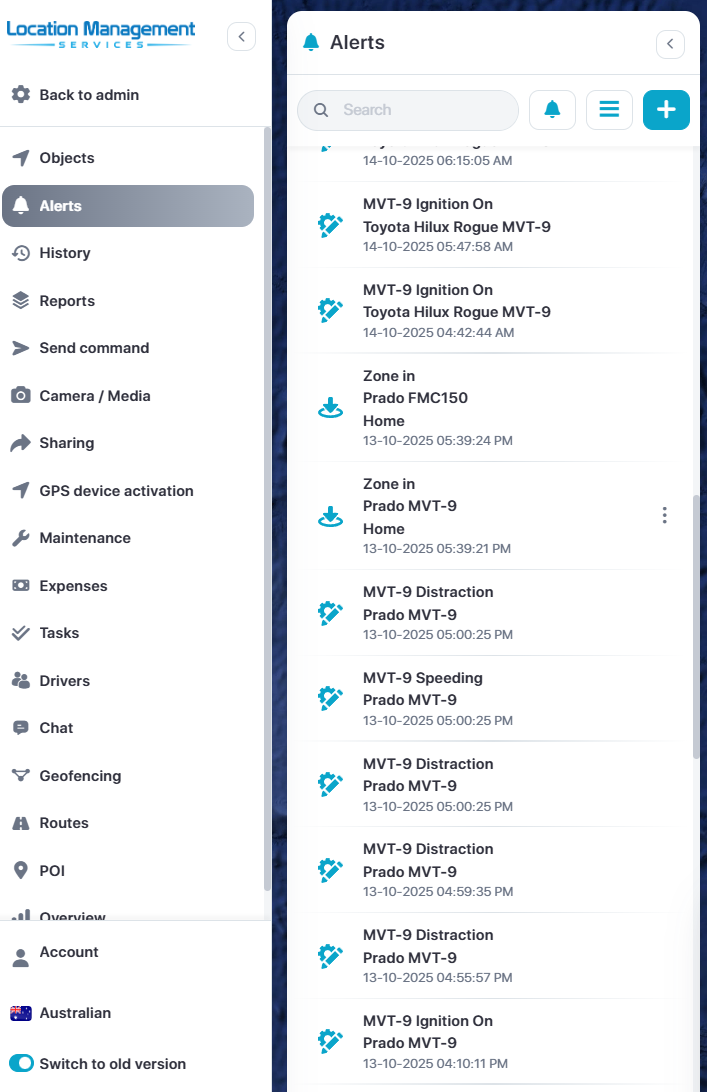
Select the Alerts menu option to view any resent alerts
To create an alert or modify existing alerts, click the Bell icon
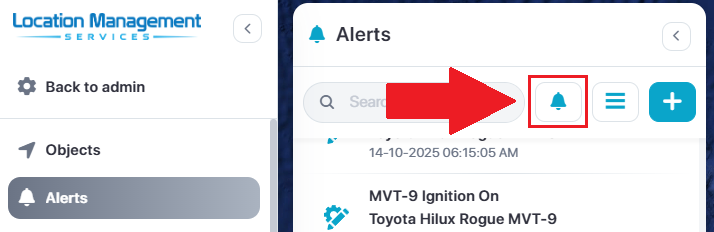
This will take you to the alerts page were you can modify existing alerts by clicking the three dots on the right.
To create a new alert, select the blue Add New icon in the top right

Add New Alert
Once selecting Add New:
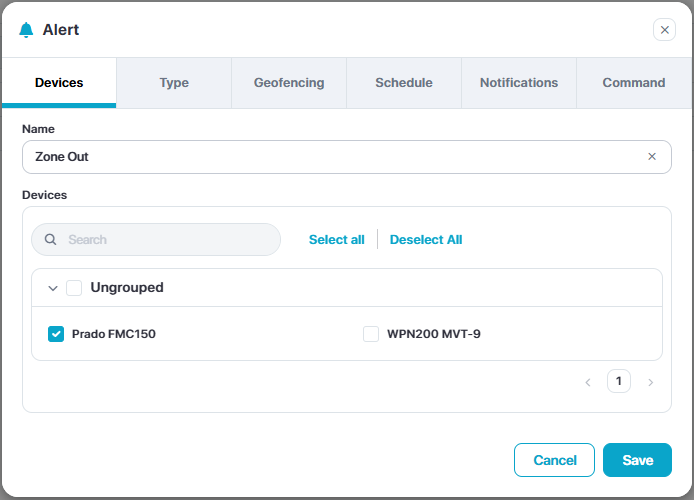
Name the Alerts and select the devices
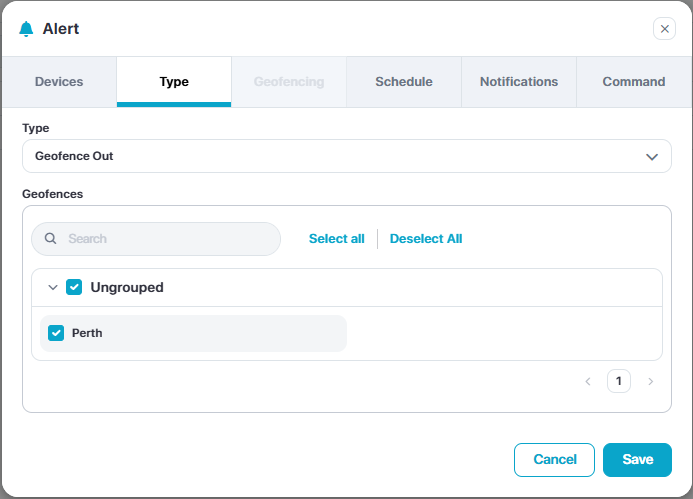
Select the alert template and input the variable
Optional: Select geofences for this alert
Optional: apply schedule
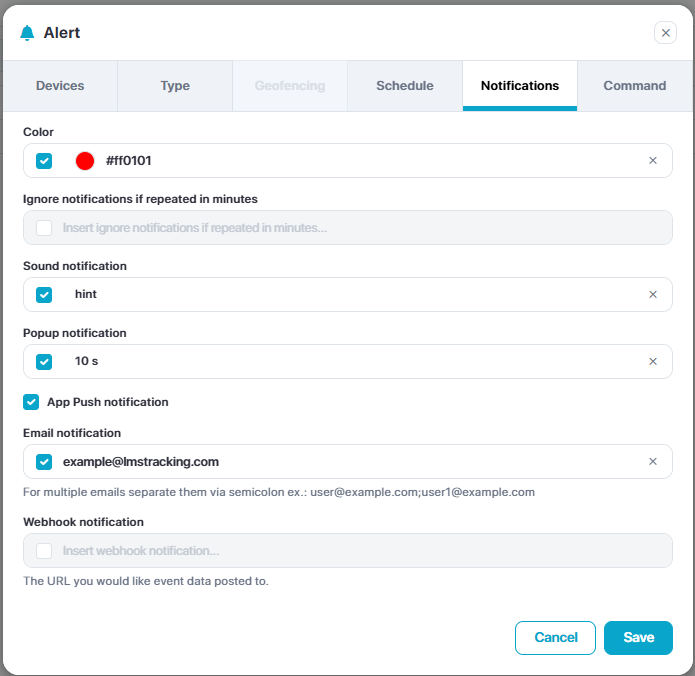
Adjust notifications parameters
Optional: Appy commands
Click Save