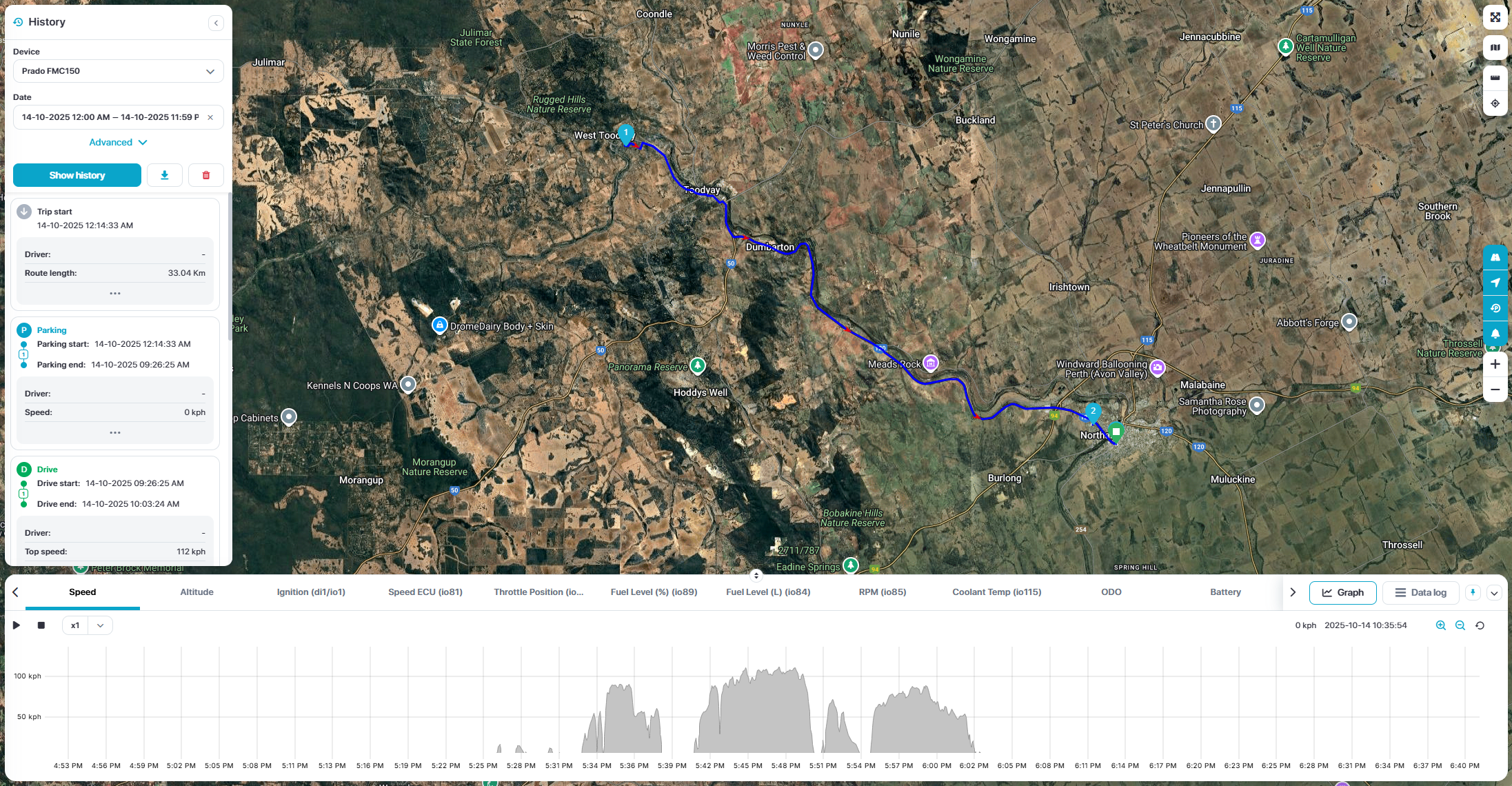
Object History
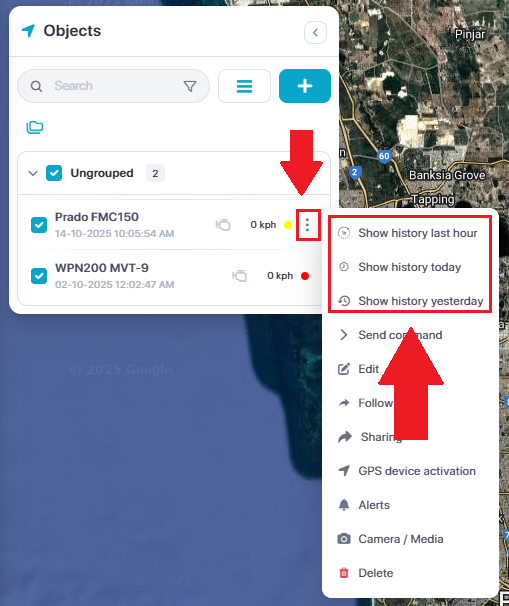
There are different ways to access object history.
To quickly see object history, you can click on the side menu on the object > select one of the top three options.
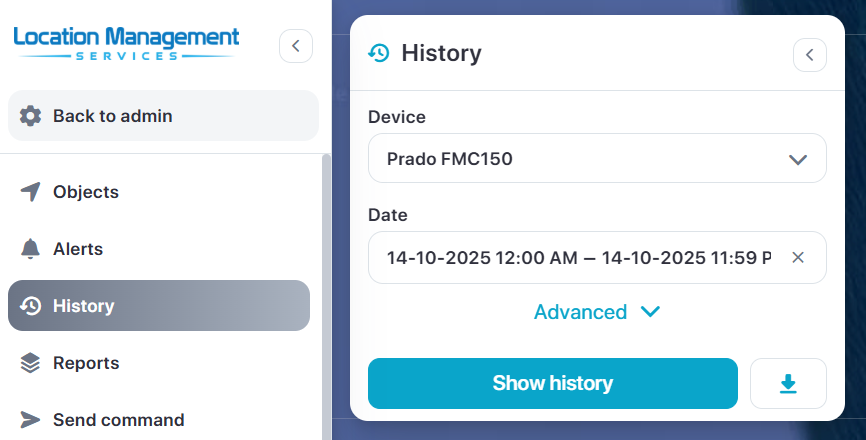
To select a specific time and date, select the History menu option > Select device > input time & date > Show History.
When viewing the object track history, you can:
Replay track history
Adjust playback speed
View sensor time lines
View raw data messages
Download history
Analise specific events
Zoom in/out of the time line