Driver ID Disclosure – MVT9
Depending on how the camera system is installed in relation to the driver’s head position, the accuracy of the Driver ID may vary.
Other objects or environmental factors—such as sunglasses, face masks, bandannas, sun glare, and reflections from windows—may also adversely affect the accuracy of the Driver ID.
MVT9 - Manual Driver ID
Download the MVT9 mobile app



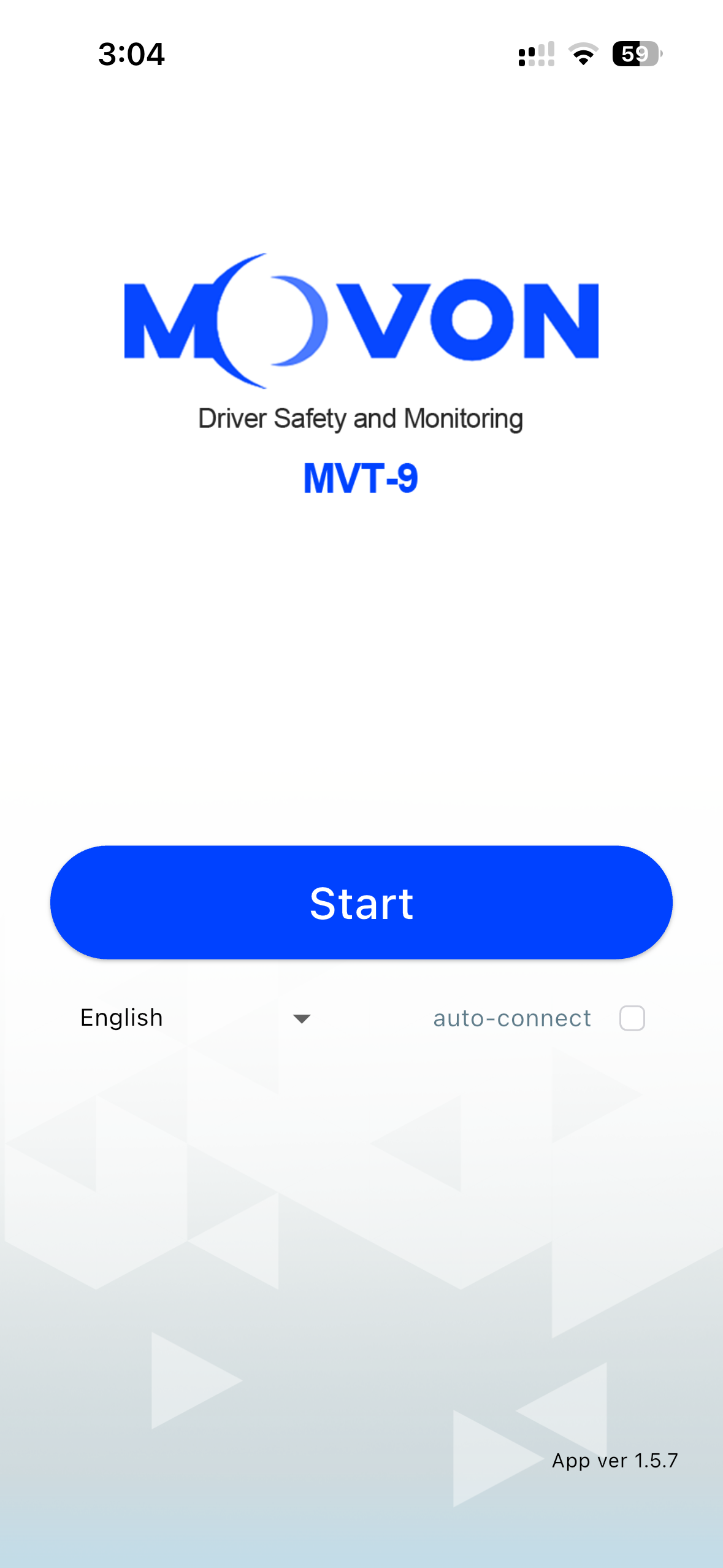
Make sure the MVT9 device is powered on and Open the mobile app
Then click Start
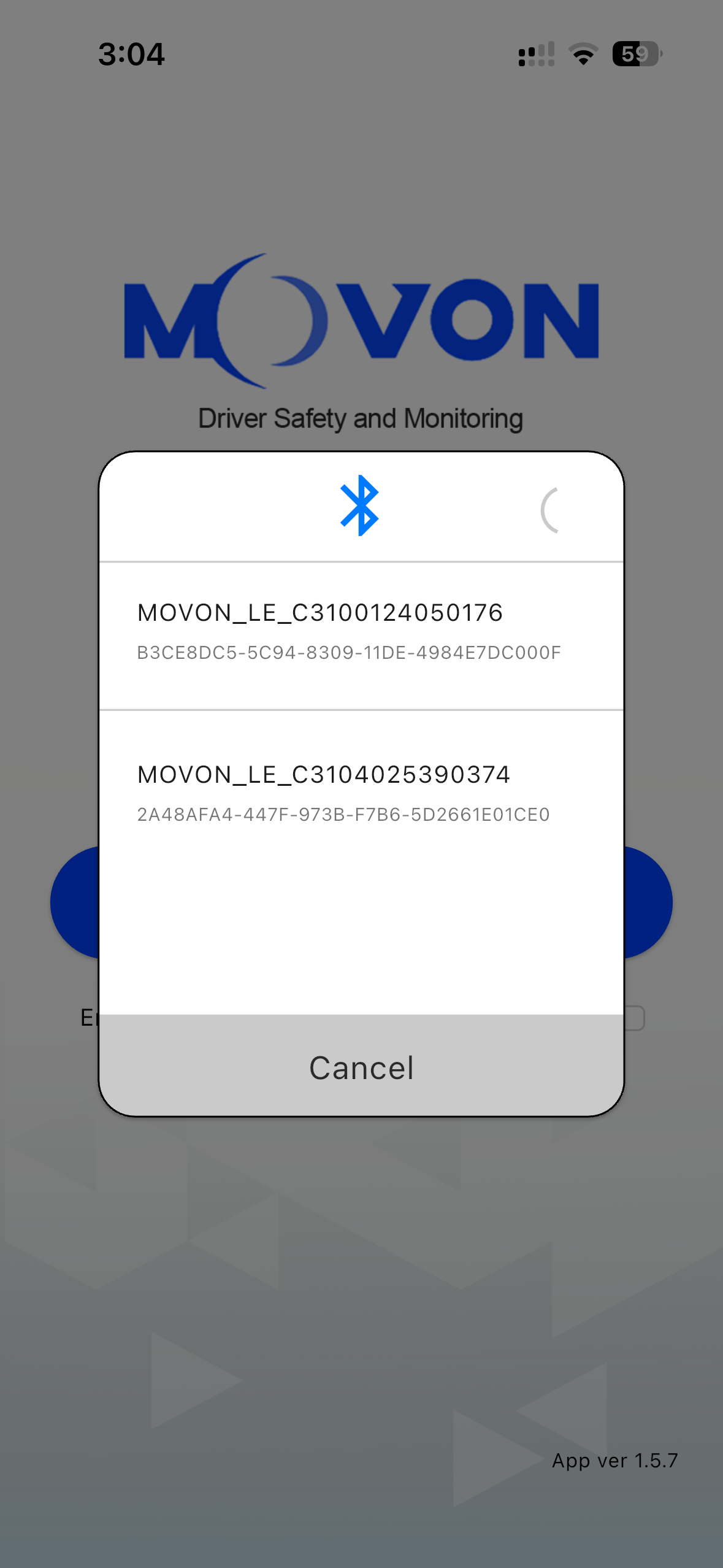
Select the device your connecting to from the list
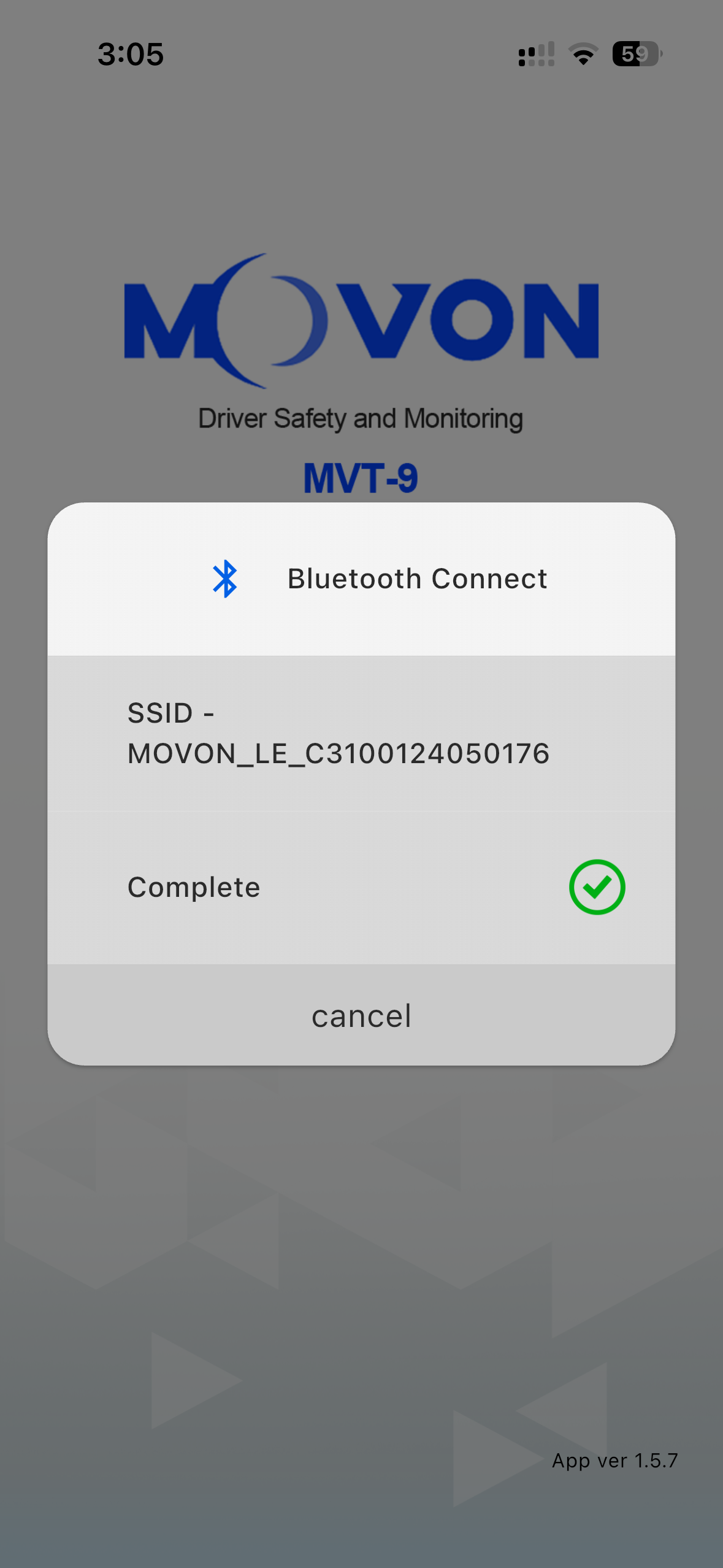
The mobile app will then proceed to connect to the device
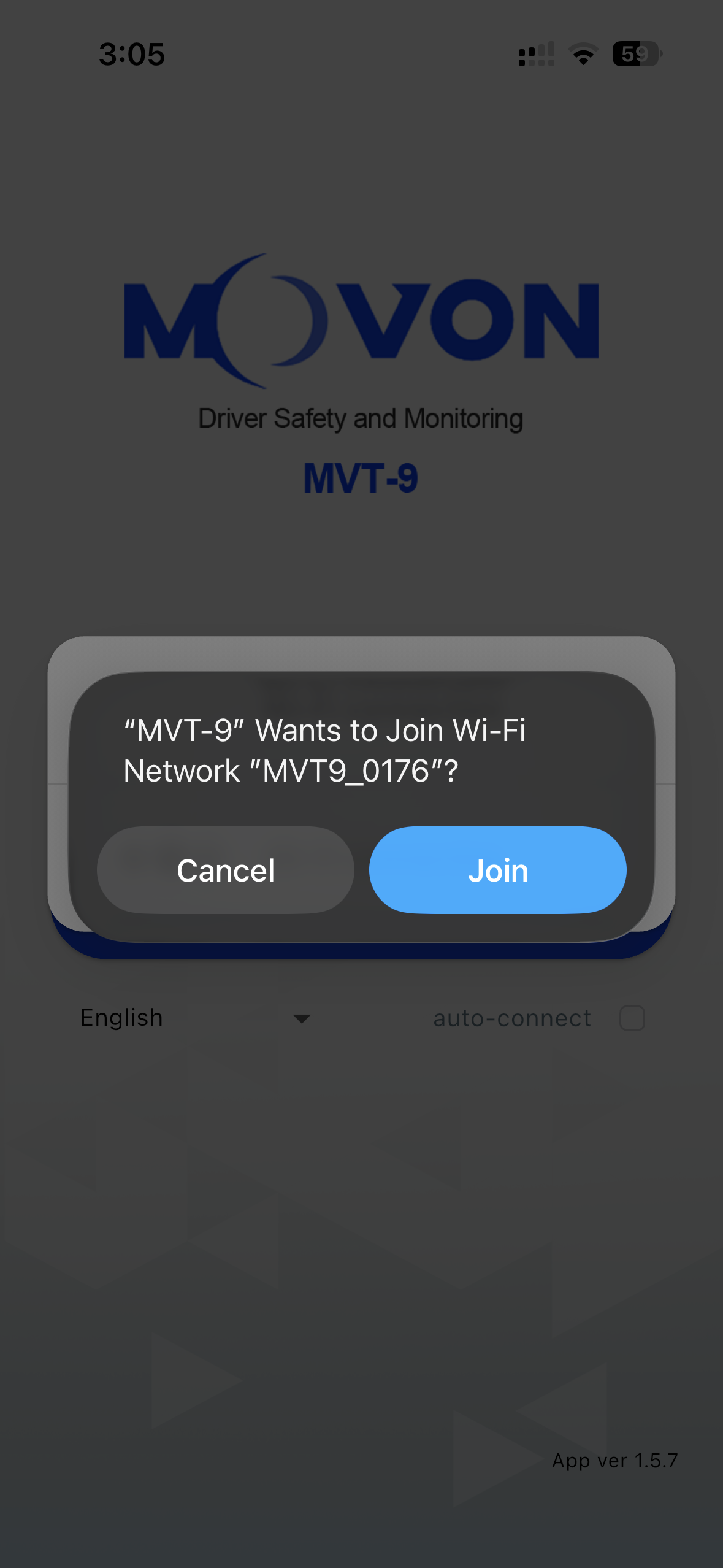
When prompted, click Join
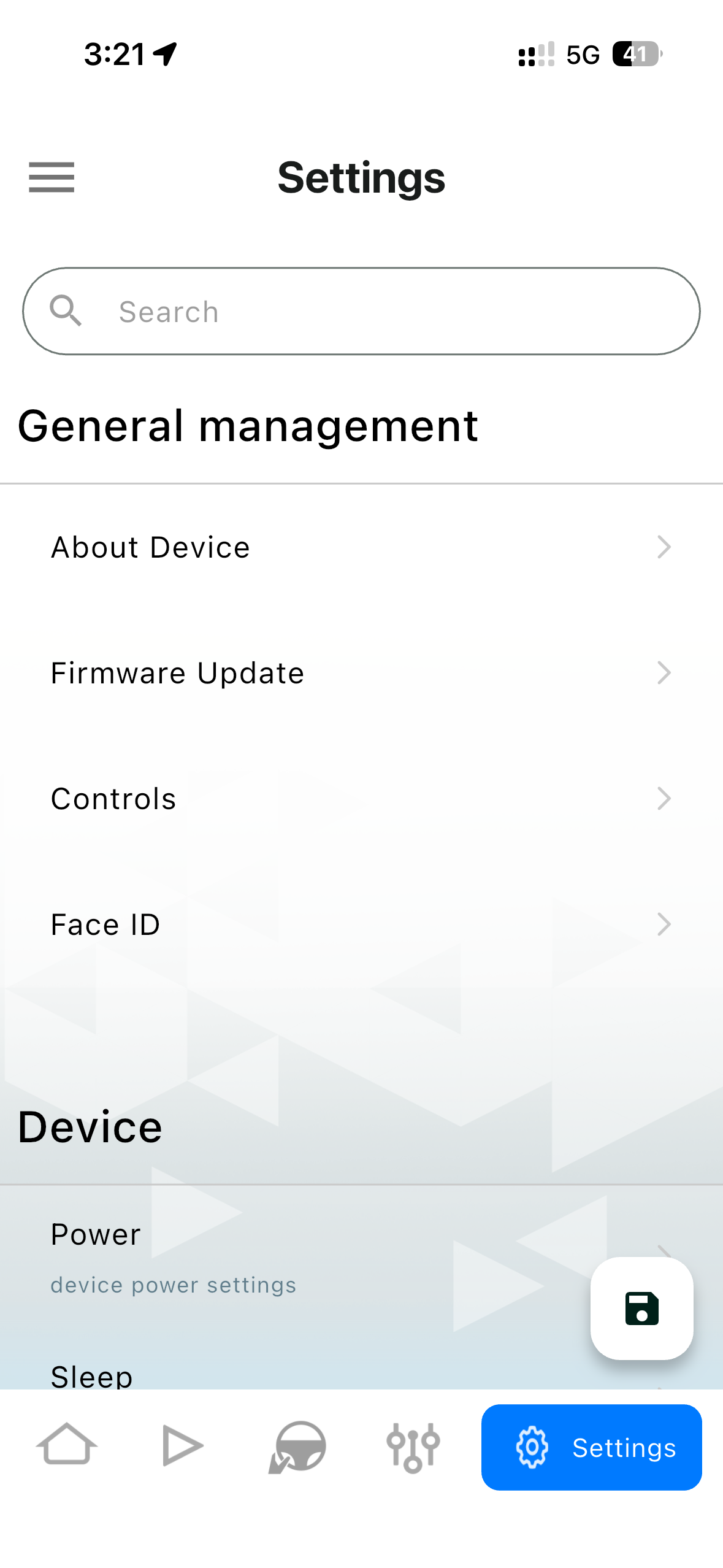
Once connected, select the Settings tab on the bottom right
Then select Face ID
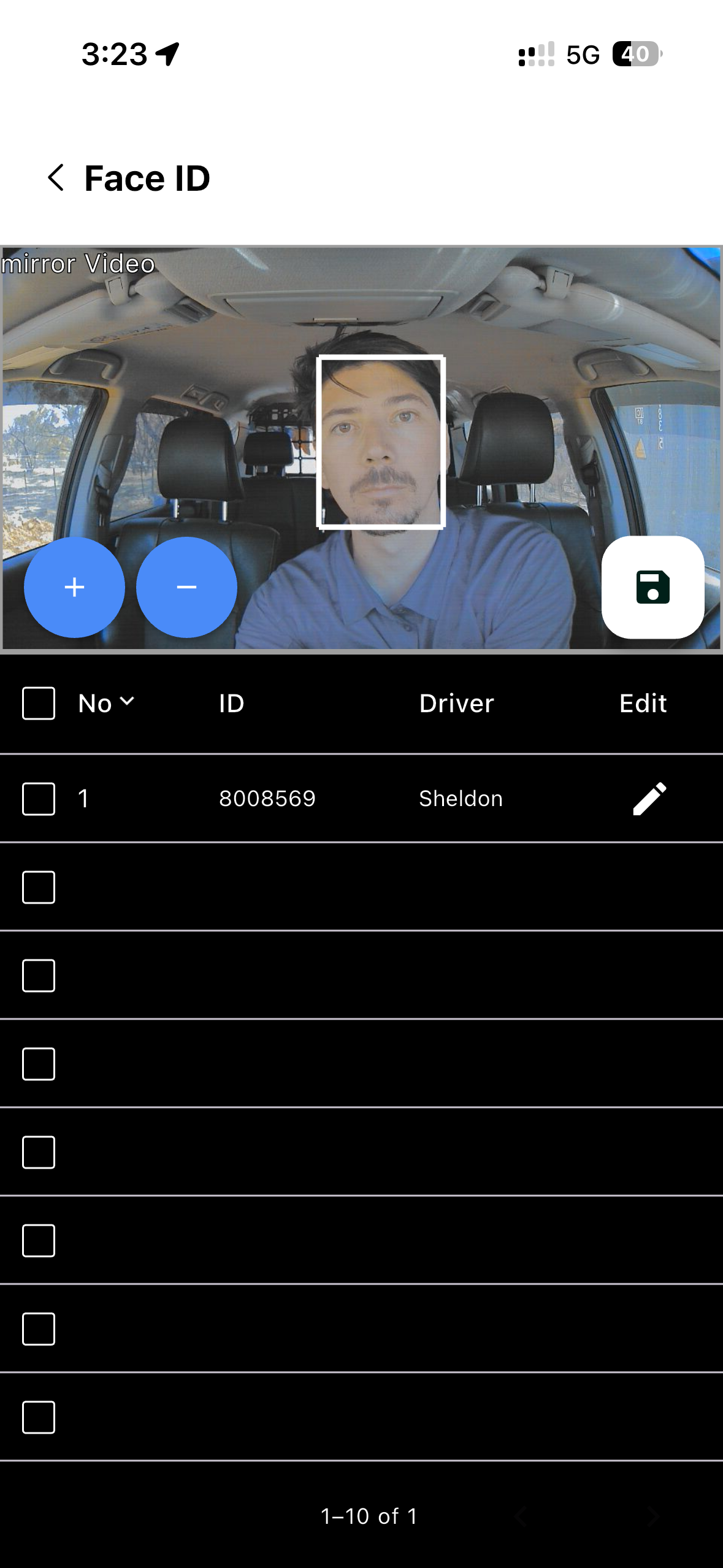
Once the page and camera load, centre the subjects face in the middle of the camera and click the blue + button.
When the subjects face is accepted, a window will appear to enter in the driver ID and name
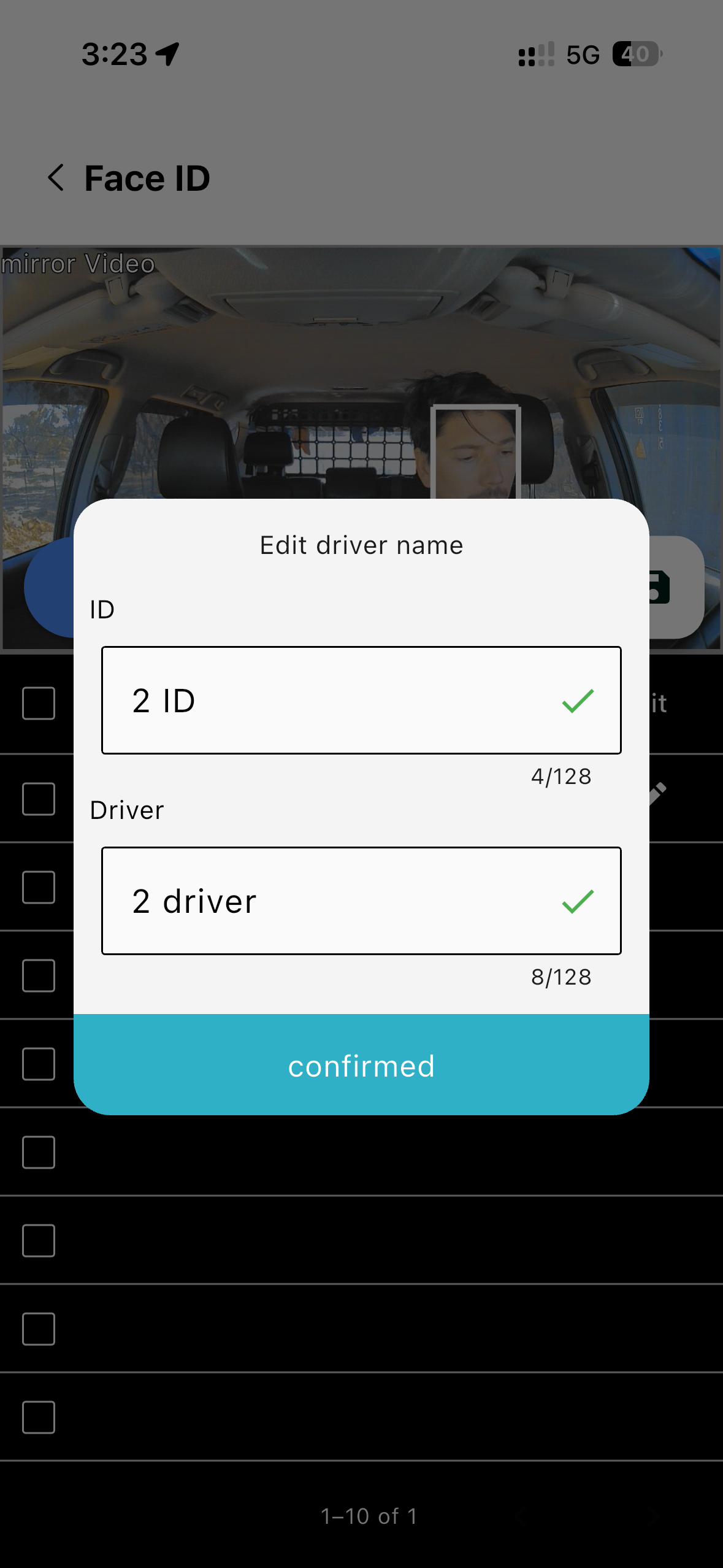
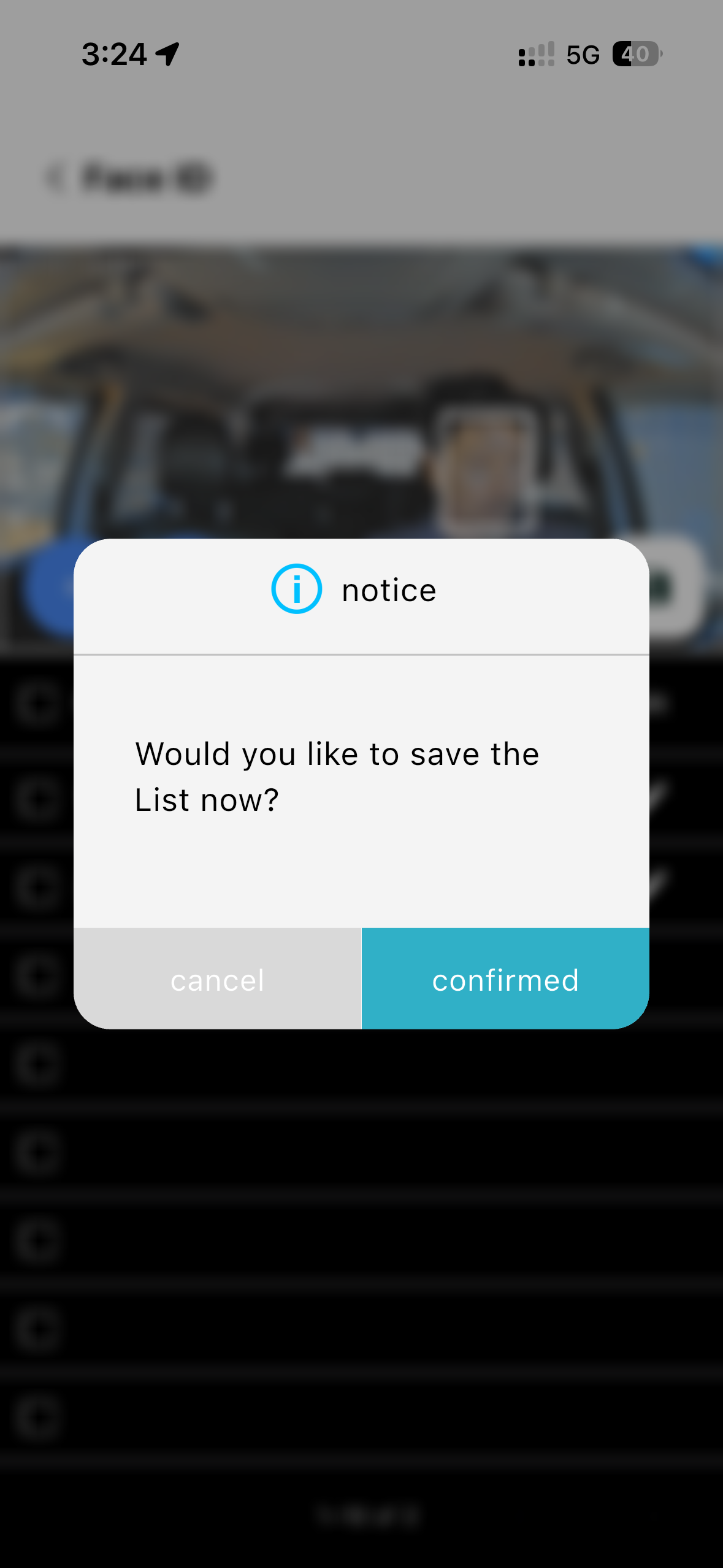
After the driver is confirmed, click the save icon on the screen and the setup in complete