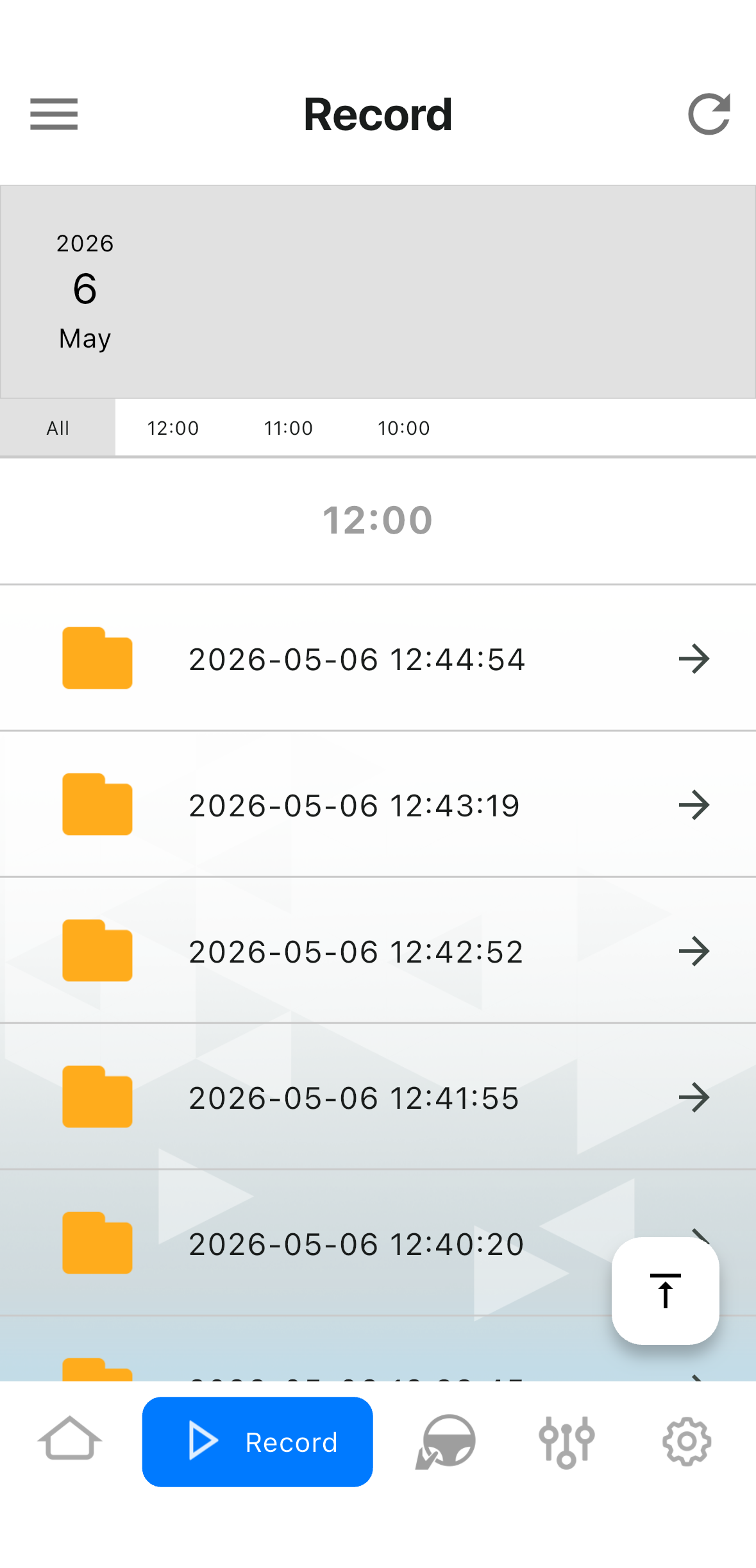
Video Download Disclosure – MVT9 Mobile App
Video file availability depends on the device configuration and settings.
By default, continuous recording is enabled with the SD card partitioned at an 80:20 ratio. This means 80% of the SD card storage is allocated to event recordings and 20% is allocated to continuous recordings.
The oldest files are automatically overwritten first. As a result, older video files you are searching for may no longer be available.
Only enabled event videos are uploaded to the platform. Continuous recording files are not uploaded and must be retrieved locally via the mobile app while within Bluetooth range of the device.
MVT9 - Manual Download Videos
Download the MVT9 mobile app



Make sure the MVT9 device is powered on and Open the mobile app
Then click Start
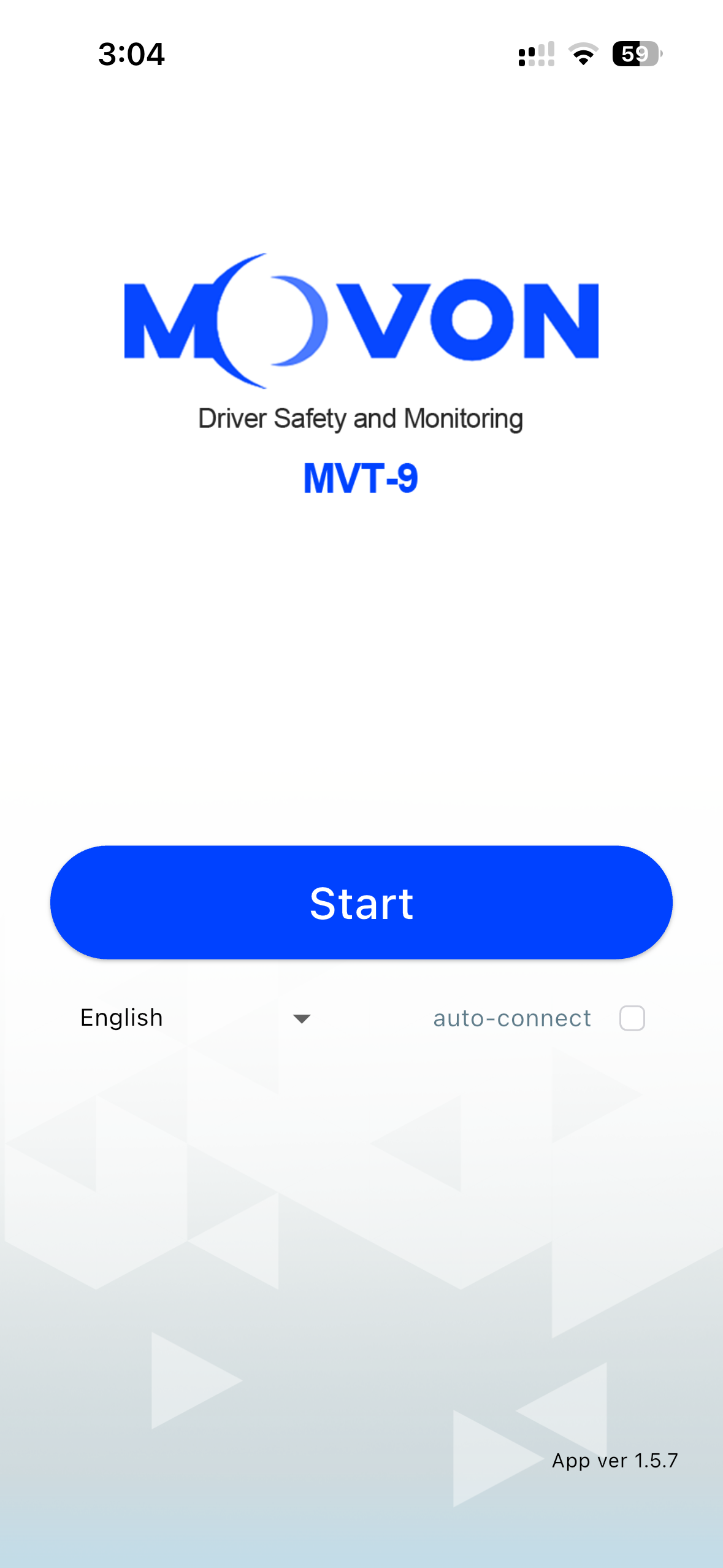
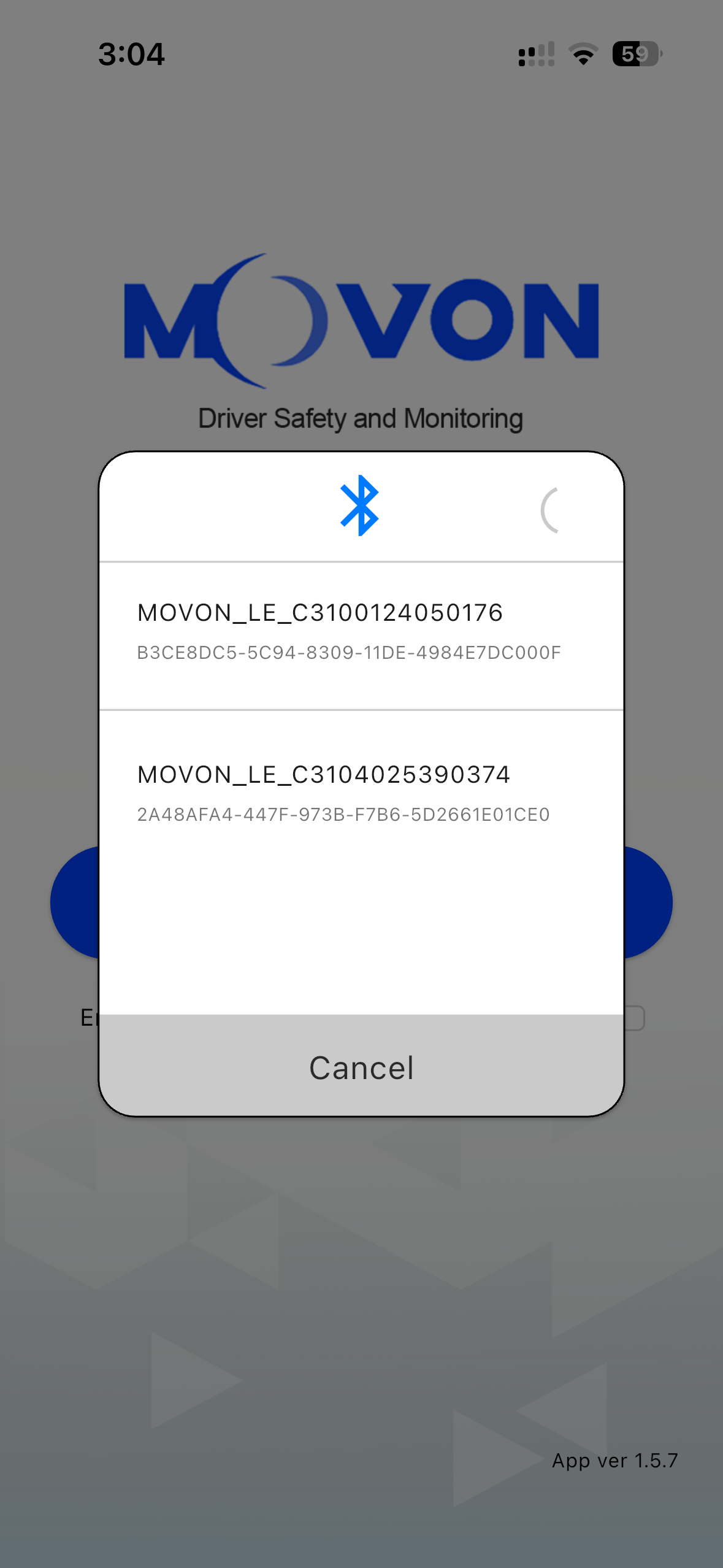
Select the device your connecting to from the list
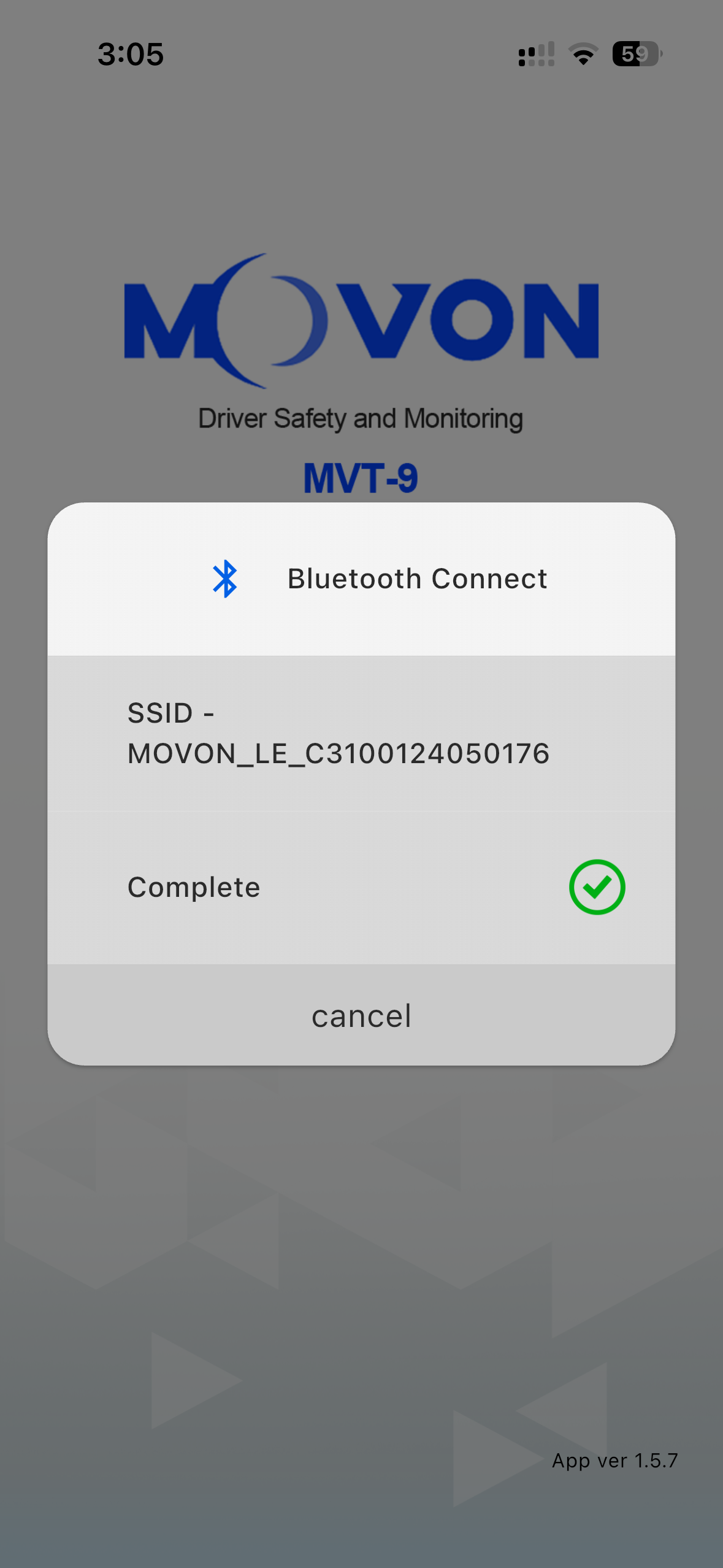
The mobile app will then proceed to connect to the device
When prompted, click Join
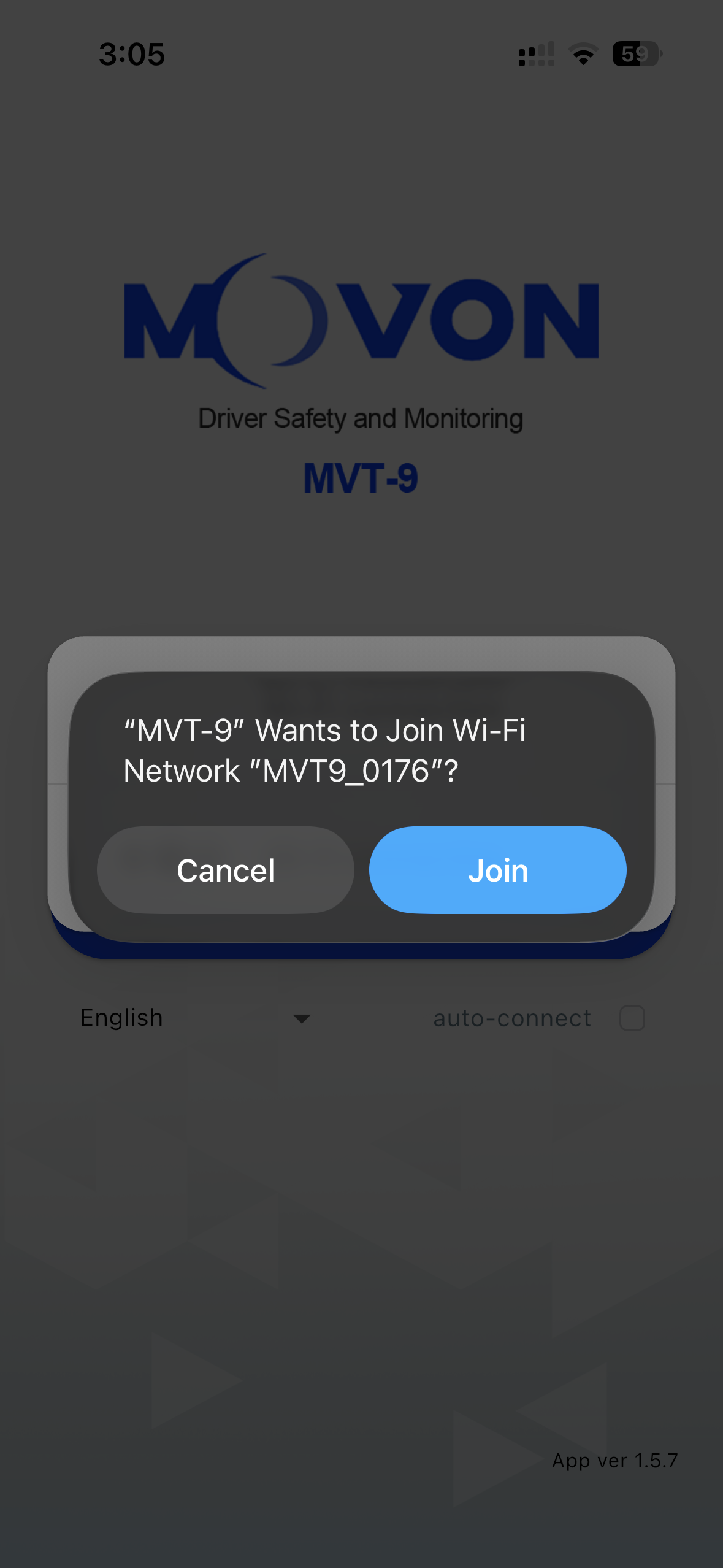
Once connected, select the Reports tab on the bottom
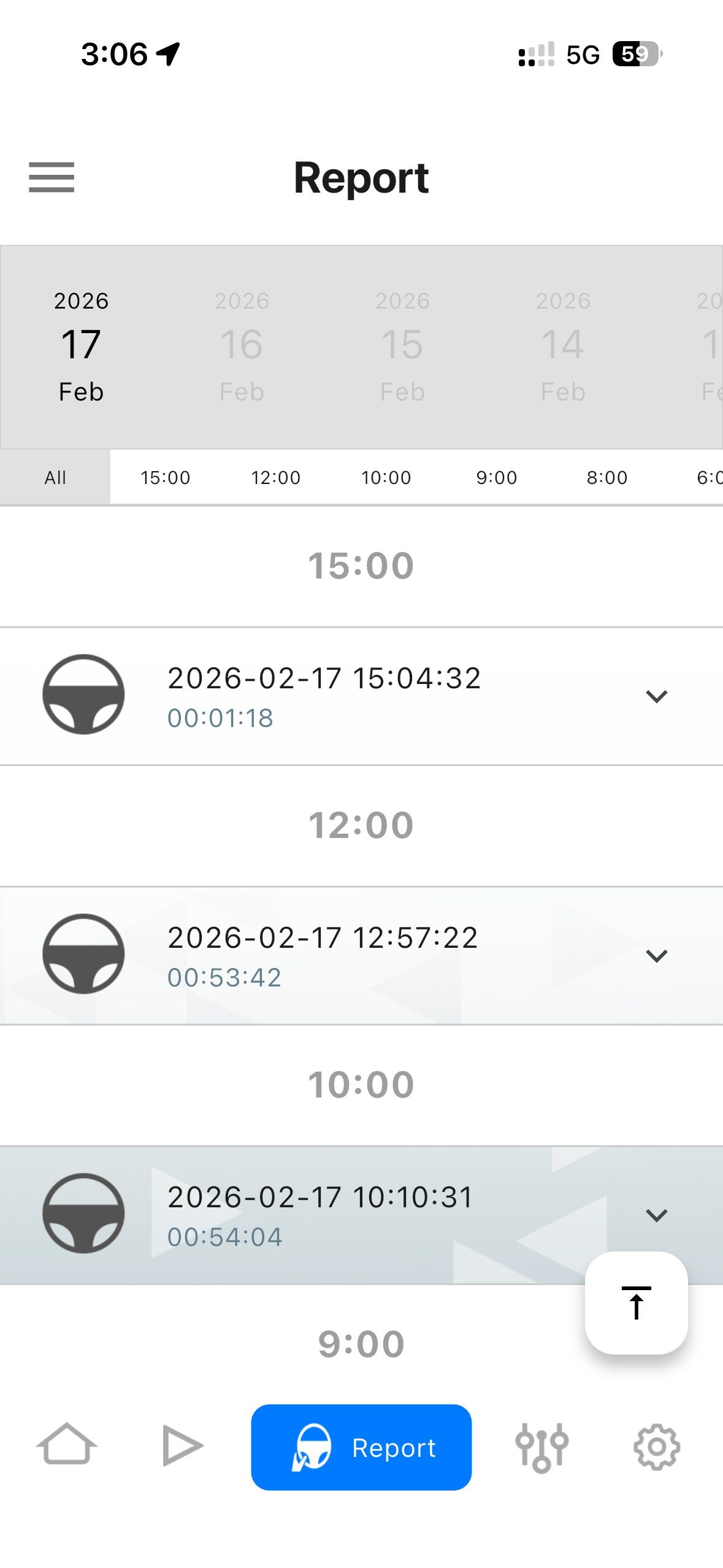
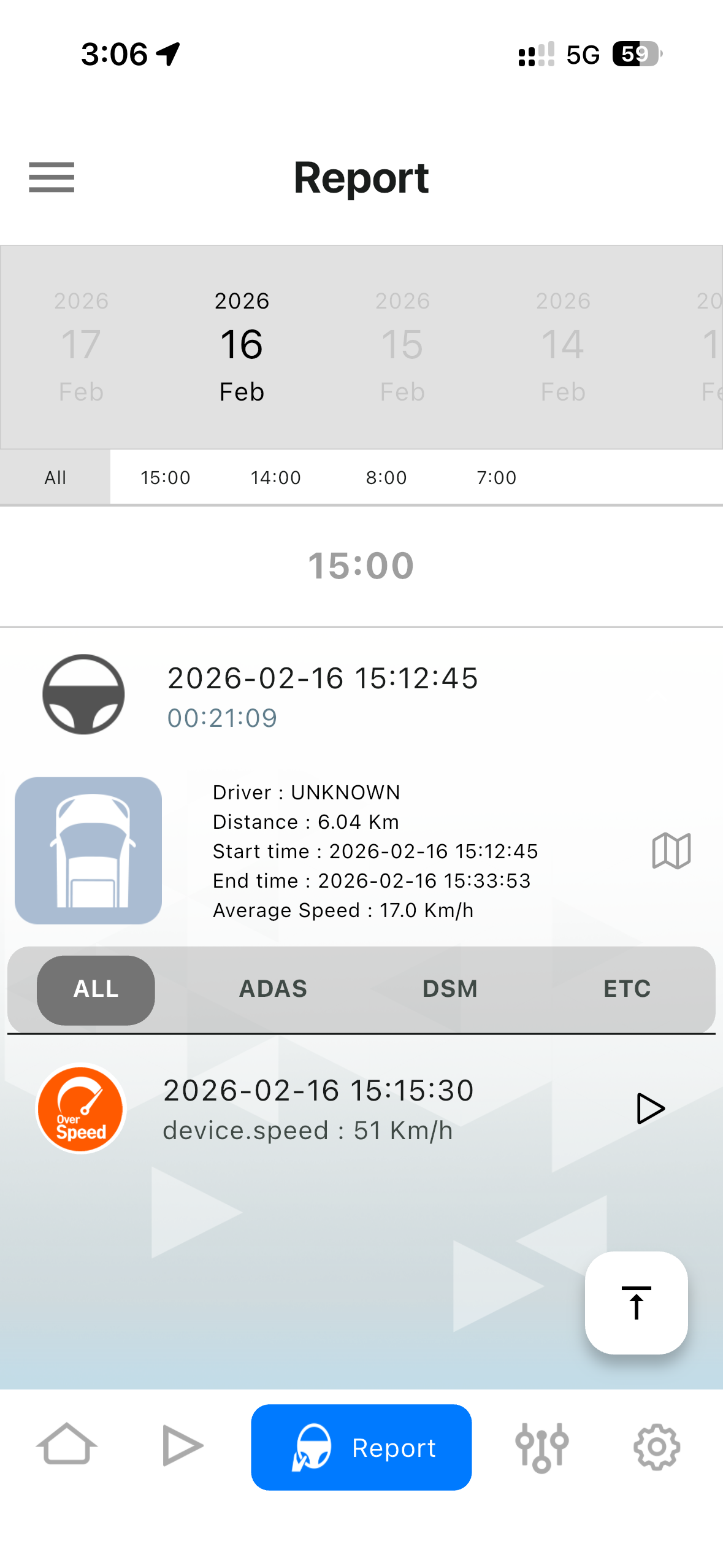
Use the time / date menu at the top to find the video.
Then select the available videos
Now you have the option to download or play the video files
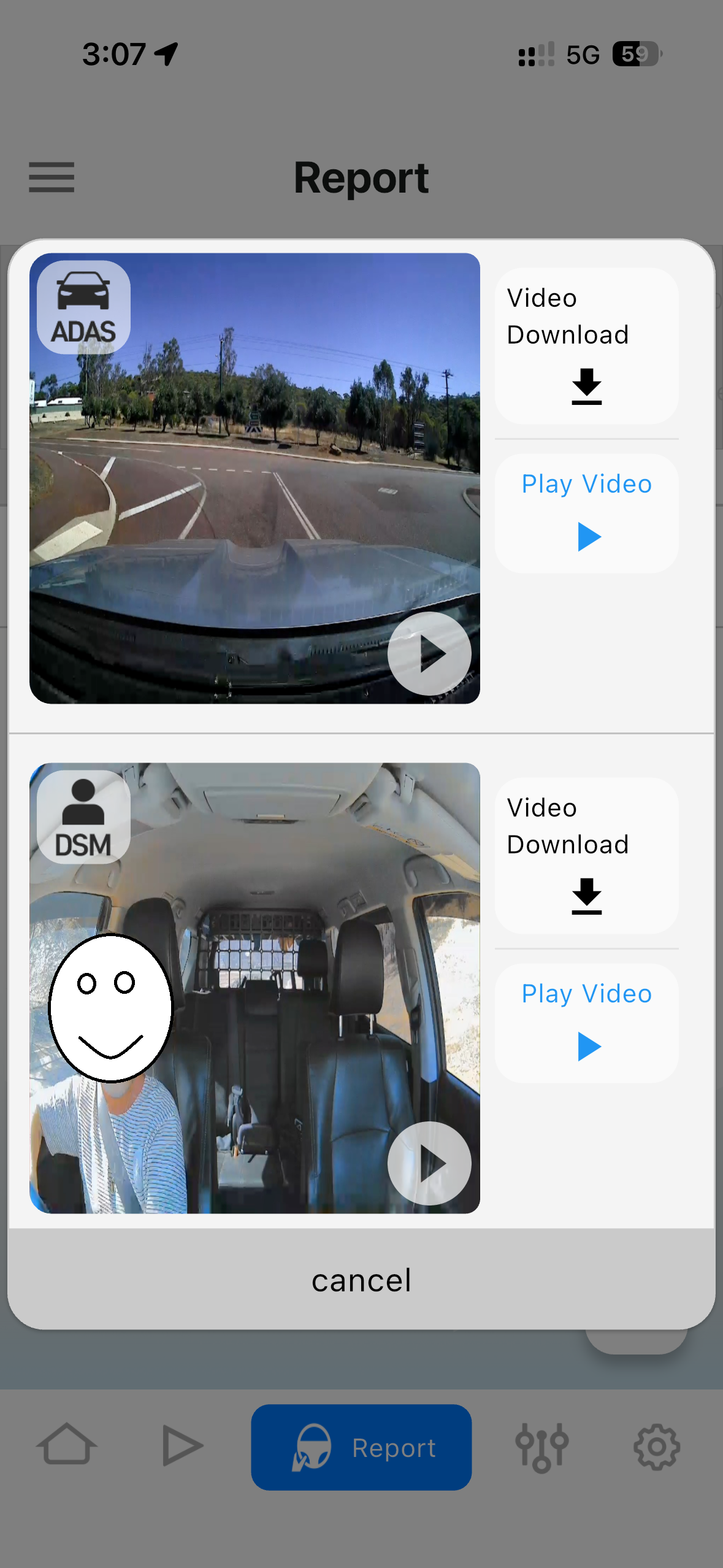
Video files will be stored locally on you mobile device
To access normal dash cam style videos, select the Record tab and select the required video file.
Once the SD card is full, the oldest video files will automatically be over written.